Water motion studio
AquaCurrent
Design living water art on a glowing ocean canvas.
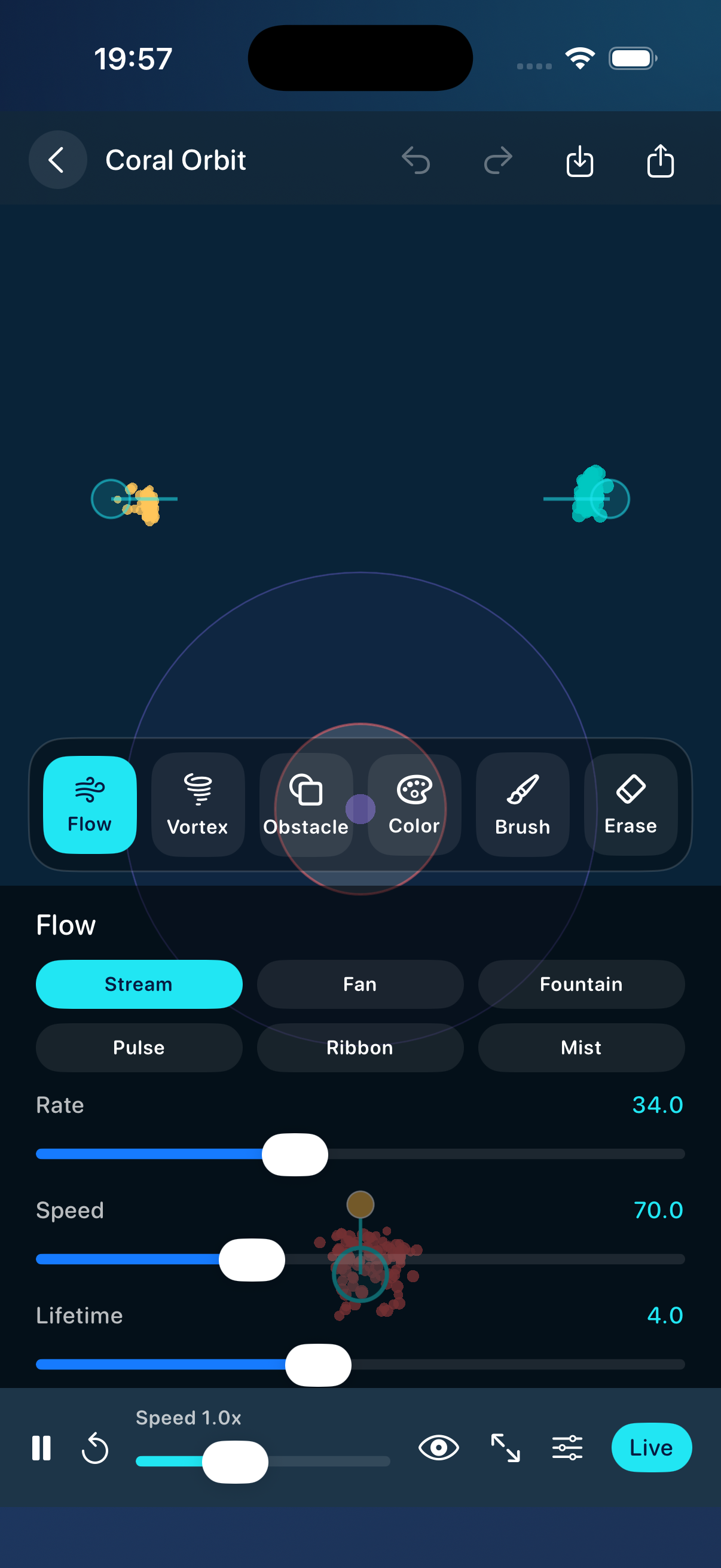
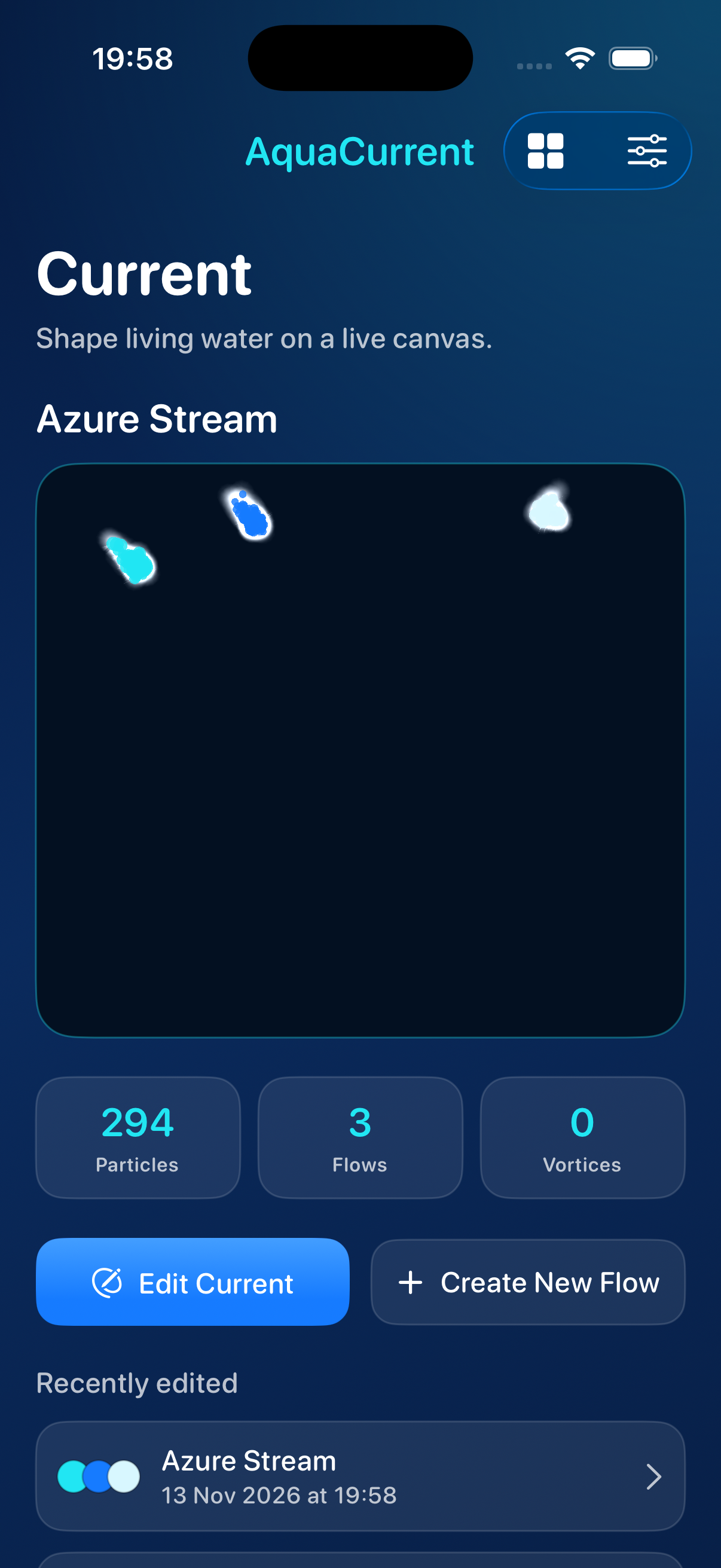
Shape streams, vortices, and color layers in real time.
Currents you shape
Every control drives a live particle simulation — not a static wallpaper.
-
01 // FORGE
Forge live streams
Place generators, bend vortices, and redirect particles with obstacles while the simulation keeps moving.
-
02 // BRUSH
Paint force fields
Draw brush strokes that push, pull, swirl, or calm the water — every stroke changes real particle motion.
-
03 // EXPORT
Color layers & export
Blend aquatic palettes, open Live Mode, then export still frames or short animated videos from the same canvas.
A water laboratory in your pocket
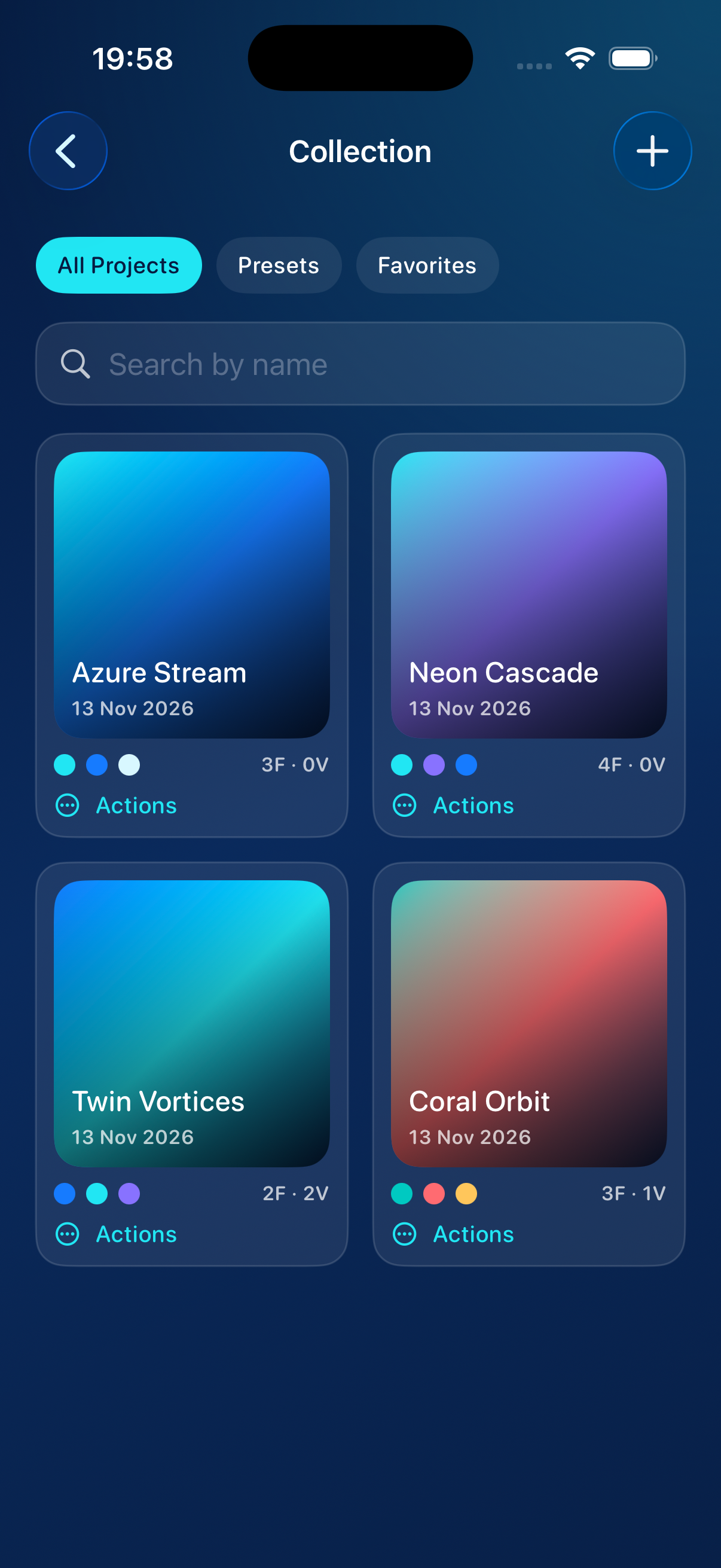
Built for playful experimentation: presets to start from, projects saved on device, and an immersive Live Mode for watching the current breathe.
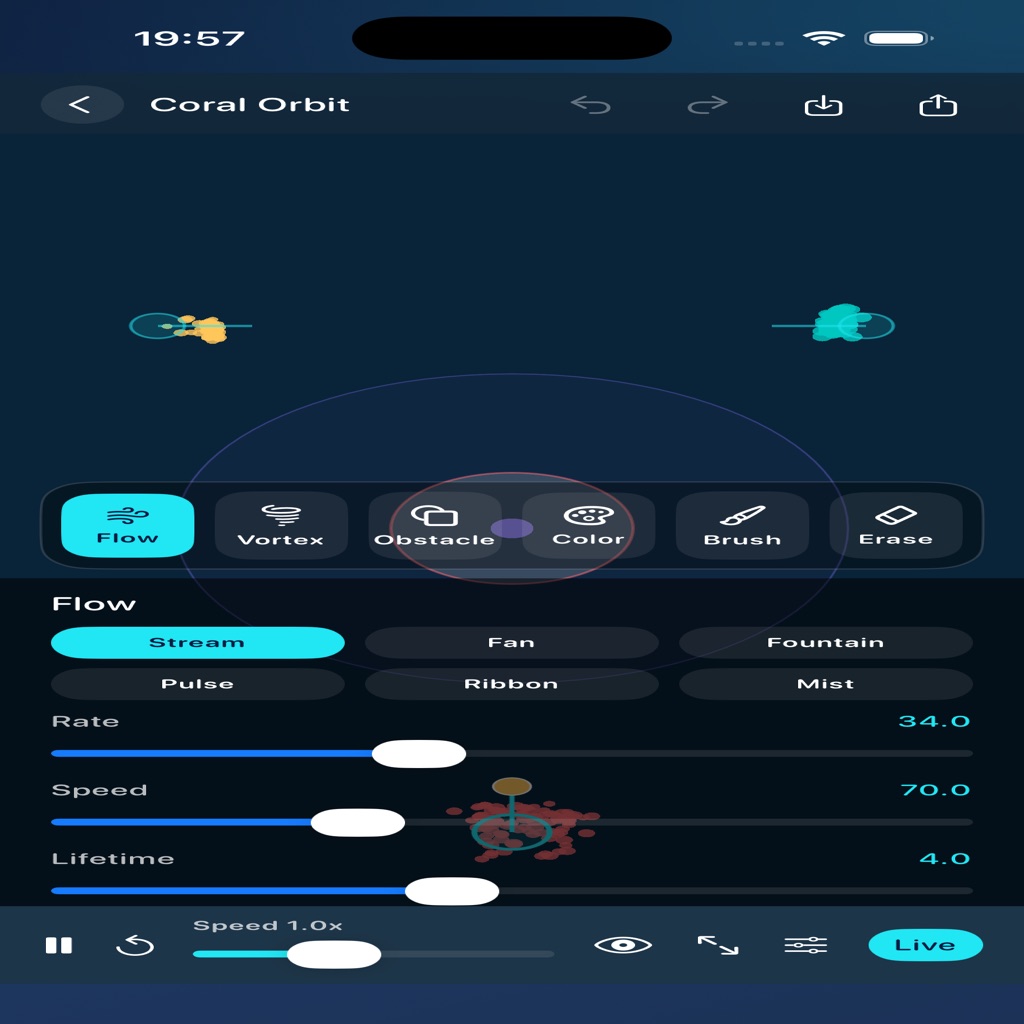
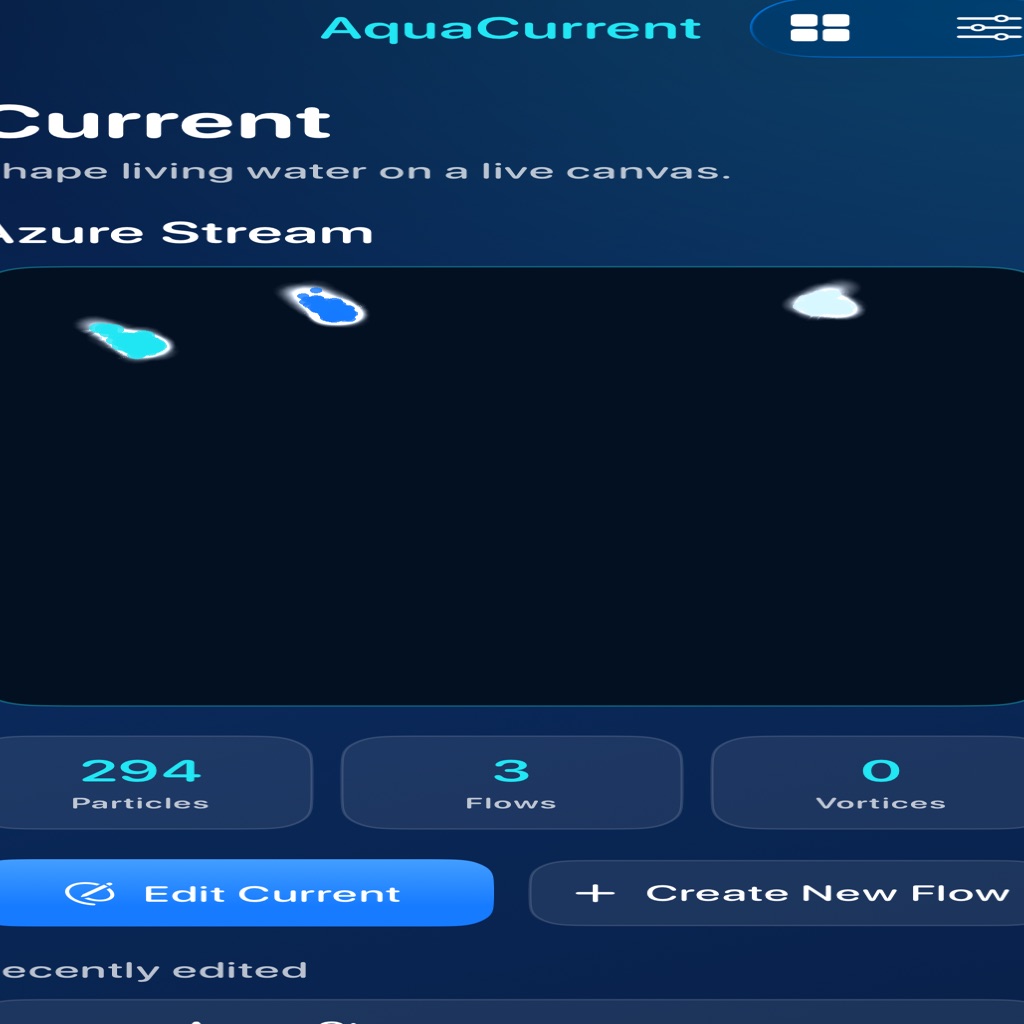
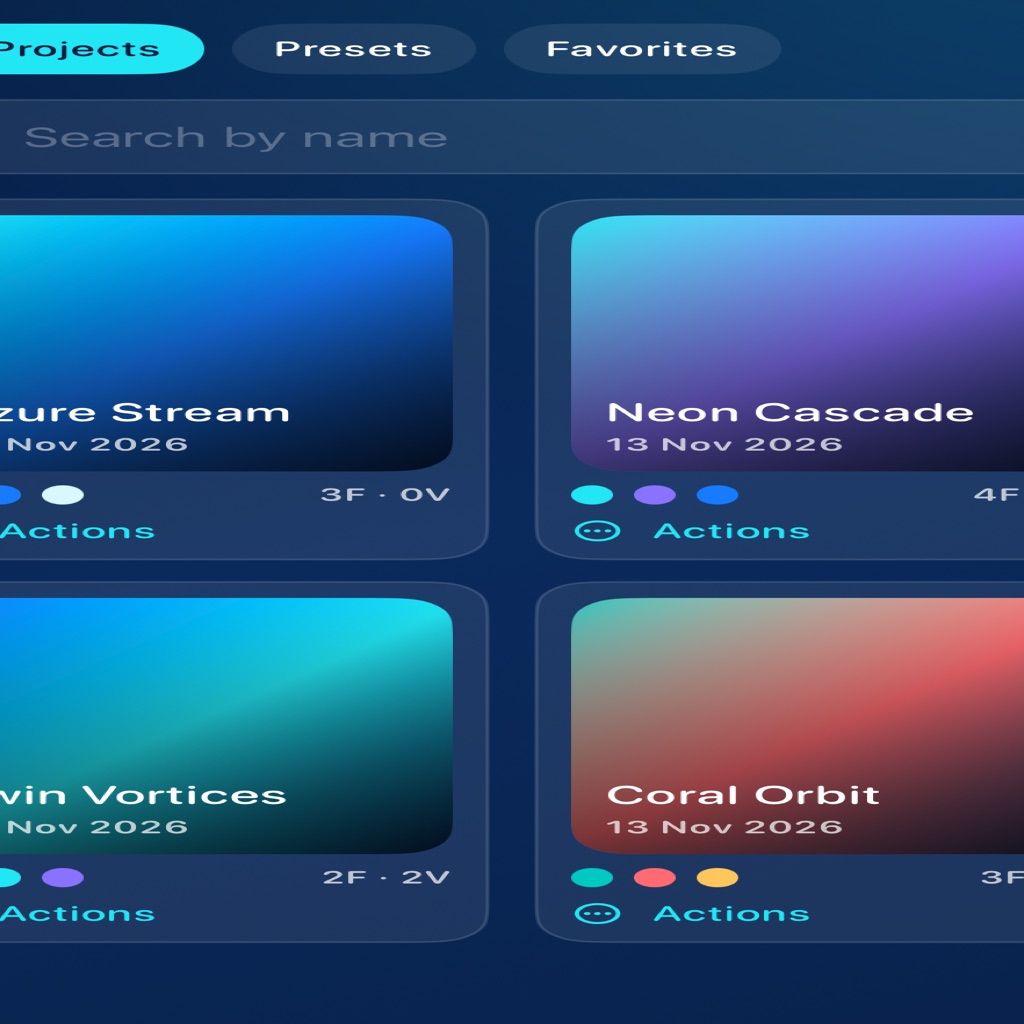
Inside the studio
From home currents to Forge, Collection, and Live Mode.
Privacy
AquaCurrent keeps your compositions on your device. Projects, settings, and exported files are stored locally using the app’s document storage. We do not require an account to use the studio.
The app does not sell personal information. Optional system share sheets may open when you export artwork; those flows are controlled by iOS and the destination you choose.
If you contact us for support, we use the email address you provide only to respond to your request. We do not use the app to track you across other companies’ apps or websites.
You can delete local projects inside AquaCurrent at any time. Uninstalling the app removes on-device data associated with it, subject to iOS backup behavior.
For privacy questions, email kilancy1180@gmail.com.
Support
Need help shaping a current, restoring a project, or exporting a clip? Reach out and we will help you get back into the flow.
Email: kilancy1180@gmail.com
Please include your device model and iOS version when reporting a simulation or export issue.